JSON Data Format: What It Is and How to Use It
JSON (JavaScript Object Notation) is a lightweight, text-based format for storing and exchanging structured data. It's widely used in APIs, web apps, automations, and data pipelines because it's compact, readable, and easy for machines to parse.
If you need to work with JSON in spreadsheets, use our JSON to CSV converter.
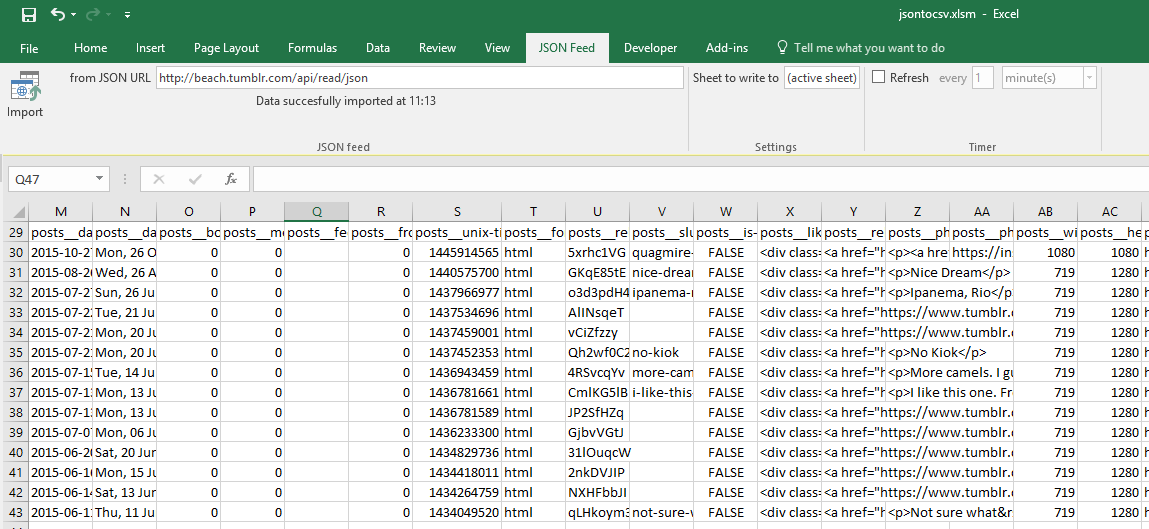
What is JSON?
JSON stores data as:
- Objects (key/value pairs)
- Arrays (lists of values)
- Nested combinations of both
Example:
{
  "name": "Alice",
  "country": "AU",
  "skills": ["SQL", "Python"]
}
Because JSON supports nested structures, it's ideal for modern APIs and app data.
Why JSON is so popular
JSON is commonly used because it is:
- Lightweight (smaller than XML in many cases)
- Human-readable
- Language-independent
- Native to JavaScript, but supported everywhere
- Standard for REST and many modern APIs
JSON vs CSV: what's the difference?
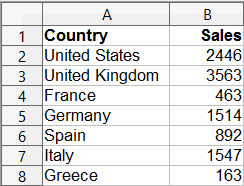
- JSON is great for structured and nested data.
- CSV is great for tabular data and spreadsheets (Excel, Google Sheets, BI tools).
When you need analysis, filtering, reporting, or spreadsheet workflows, converting JSON to CSV is often the fastest path.
Convert now: JSON to CSV
Common JSON workflows
- API response to CSV for reporting
- App export to CSV for Excel or Google Sheets
- JSON logs to tabular format for analysis
- Nested JSON to flattened columns for dashboards
JSON tools on Data.Page
- JSON to CSV - convert JSON into spreadsheet-ready CSV
- JSON Formatter and Validator - format JSON and catch syntax errors fast
- CSV to JSON - convert CSV back into JSON
- JSON to YAML - convert JSON into human-friendly YAML
- YAML to JSON - convert YAML config into JSON
- XML Data Format Guide - compare XML and JSON data structures
- YAML Data Format Guide - compare YAML and JSON usage
Need help with a specific JSON file?
If your file is large, nested, or from a custom system, we can help. Contact us and tell us your source format and target output.